Color Picker Hex Code Online — Find Any Color Free
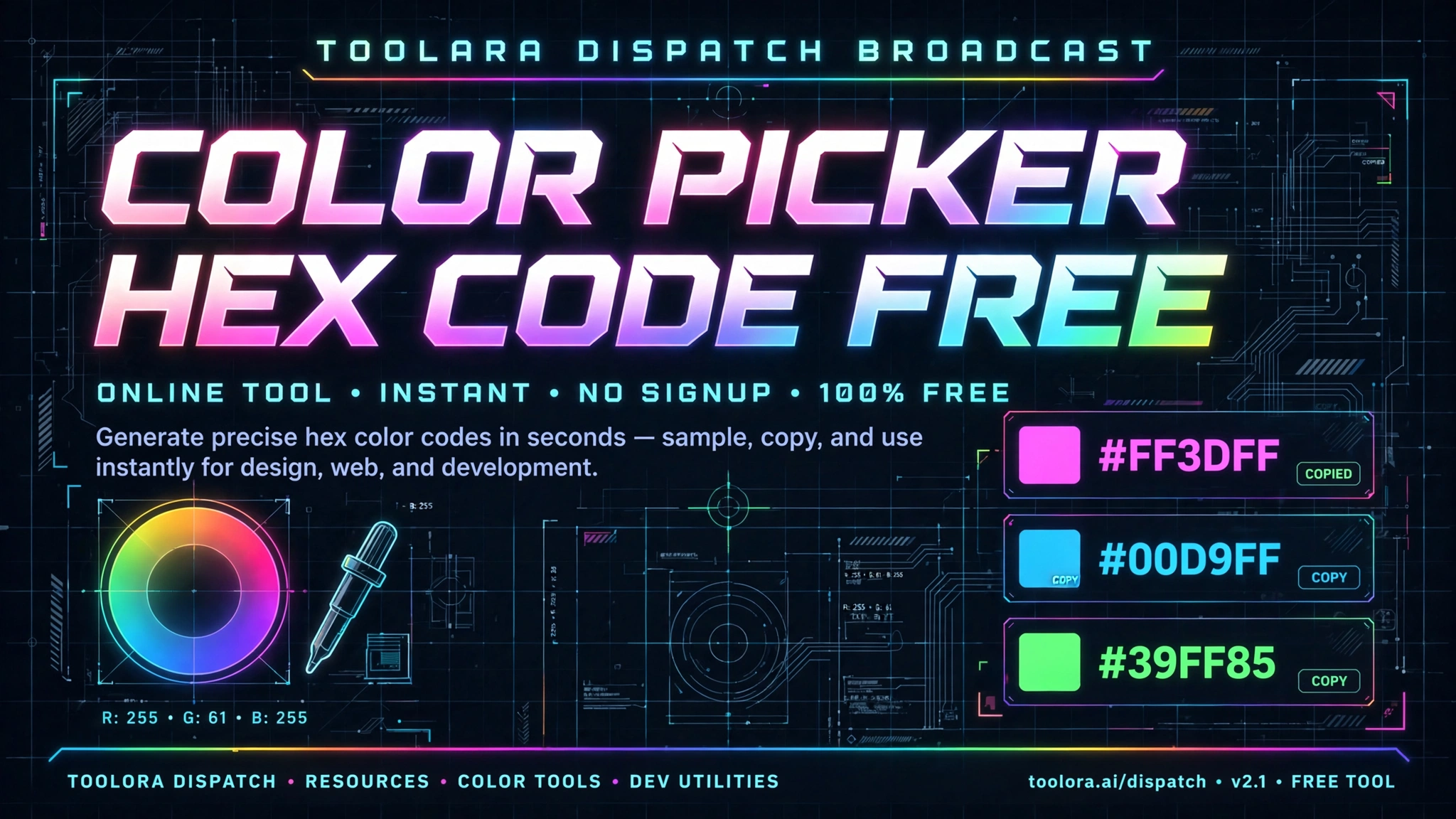
A color picker hex code online lets you instantly find, generate, or extract any color's six-digit hexadecimal value used in web design and digital projects. Simply select a color visually or upload an image to reveal its exact hex code. Tools like Toolora's free color picker make this process instant and require no software installation.
Whether you're a web designer matching brand colors, a developer styling a website, or a content creator looking for the perfect palette, having a reliable hex color code finder in your toolkit is essential. This guide walks you through everything you need to know about picking, converting, and using hex codes — and shows you how to do it all online for free.
Color Picker Hex Code Online: What It Is and Why Designers Need It
A color picker hex code online is a browser-based tool that allows you to identify the exact hexadecimal value of any color without downloading software. Hex codes are the universal language of web color — used in HTML, CSS, design software, and virtually every digital design platform on the planet.
Designers, developers, and marketers rely on online color picker tools for several reasons:
- Speed: Instantly grab a hex value without launching Photoshop or Figma
- Accessibility: Works on any device with a browser — Windows, Mac, Linux, or mobile
- Accuracy: Get pixel-perfect color values straight from images, screenshots, or visual palettes
- Consistency: Match brand colors across multiple projects with precision
- No installation: Zero downloads, no plugins, no software bloat
The rise of remote design teams and cloud-based workflows has made the website color picker tool an indispensable asset. Whether you need to match a competitor's button color, replicate a Pantone-inspired shade, or generate a fresh palette from a photograph, an online hex picker delivers results in seconds.
How Hex Color Codes Work and Why They Matter in Web Design
A hex code (short for hexadecimal) is a six-digit code preceded by a hash symbol (#) that represents a specific color. The six characters break down into three pairs, each representing the red, green, and blue (RGB) components of a color.
Here's how it works:
- First pair (RR): Amount of red — from 00 (none) to FF (max)
- Second pair (GG): Amount of green — from 00 (none) to FF (max)
- Third pair (BB): Amount of blue — from 00 (none) to FF (max)
For example, #FF0000 means full red, no green, no blue — pure red. #000000 is pure black, and #FFFFFF is pure white. With 16,777,216 possible combinations, hex codes can represent virtually any color the human eye can perceive on a screen.
Common Hex Codes Every Designer Should Know
| Color Name | Hex Code | RGB Value | Common Use |
|---|---|---|---|
| Pure White | #FFFFFF | 255, 255, 255 | Backgrounds |
| Pure Black | #000000 | 0, 0, 0 | Text, accents |
| Crimson Red | #DC143C | 220, 20, 60 | Alerts, CTAs |
| Sky Blue | #87CEEB | 135, 206, 235 | Links, headers |
| Forest Green | #228B22 | 34, 139, 34 | Success states |
| Sunshine Yellow | #FFD700 | 255, 215, 0 | Warnings, highlights |
| Royal Purple | #6A0DAD | 106, 13, 173 | Premium branding |
| Slate Gray | #708090 | 112, 128, 144 | Neutral text |
Hex codes matter because they offer a standardized, compact, and machine-readable way to communicate color. CSS, HTML, JavaScript, and design software all natively support hex values, making them the most portable color format in modern web development.
How to Pick the Perfect Hex Color Code Online — Step-by-Step
Using an online color picker tool is incredibly straightforward. Here's a complete walkthrough using Toolora's free picker:
- Visit the tool: Open Toolora's color picker in any modern browser.
- Choose your input method: Either click on the color spectrum or upload an image to pick a color from.
- Adjust the slider: Use the hue slider to navigate through the color spectrum and fine-tune your selection.
- Click on the desired shade: Tap or click to lock in the exact color you want.
- Copy the hex code: The tool instantly displays the hex code, RGB, and HSL values.
- Apply to your project: Paste the hex value directly into your CSS, design tool, or HTML.
Picking a Hex Code From an Image
Want to pick color from image online? It's just as simple:
- Upload your image (JPG, PNG, or WebP) to the picker tool
- Hover over any pixel — a magnified preview shows you the exact area
- Click to capture the hex value of that specific pixel
- Copy the code to your clipboard with a single click
This is incredibly useful for matching brand colors from logos, extracting palettes from photography, or recreating colors from screenshots.
Tips and Best Practices for Choosing Hex Colors for Your Website
Picking great colors is part science, part art. Here are professional tips for using your hex color code finder effectively:
1. Always Consider Contrast and Accessibility
The Web Content Accessibility Guidelines (WCAG) recommend a contrast ratio of at least 4.5:1 for normal text and 3:1 for large text. Use your picker to test text colors against backgrounds.
2. Build a Limited Palette
- Primary color (1): Your dominant brand color
- Secondary color (1–2): Complementary accents
- Neutrals (2–3): Whites, grays, and blacks for text and backgrounds
- Functional colors (3): Success green, warning yellow, error red
3. Use Color Theory to Your Advantage
- Complementary: Colors opposite each other on the wheel (high contrast)
- Analogous: Colors next to each other (harmonious feel)
- Triadic: Three evenly spaced colors (vibrant but balanced)
- Monochromatic: Different shades of one color (clean, minimalist)
4. Test on Multiple Devices
A hex code looks identical in code, but displays can vary. Test on:
- Desktop monitors (calibrated and uncalibrated)
- Mobile devices in light and dark mode
- Different browsers (Chrome, Firefox, Safari)
5. Convert Between Formats When Needed
Sometimes you'll need to switch between formats. A good hex to RGB converter online instantly translates between systems. Toolora's tool handles all major formats including HEX, RGB, RGBA, HSL, and HSLA — perfect for working across design tools and frameworks.
6. Save Your Palettes
Build a swatch library for your brand. Keep a document with your standard hex codes so you (and your team) never have to re-pick them.
Why Toolora's Color Picker Stands Out
Compared to other online color picker tools, Toolora's picker offers some unique advantages:
| Feature | Toolora Color Picker | Average Online Tool |
|---|---|---|
| Free to use | ✅ Yes | ⚠️ Often limited |
| Image color picking | ✅ Yes | ❌ Often missing |
| Multiple format output | ✅ HEX, RGB, HSL | ⚠️ HEX only |
| No registration | ✅ Instant access | ❌ Sign-up required |
| Mobile friendly | ✅ Fully responsive | ⚠️ Desktop only |
| Browser-based | ✅ No install | ✅ Usually yes |
| Privacy-first | ✅ No tracking | ❌ Often tracks users |
Frequently Asked Questions
What is a hex color code and how do I read it?
A hex color code is a six-character code representing a color using hexadecimal notation. It always starts with a hash symbol (#) followed by six digits or letters (0-9 and A-F). The first two characters represent red intensity, the middle two represent green intensity, and the last two represent blue intensity. For example, #FF5733 means high red (FF), medium green (57), and low-medium blue (33), producing a warm orange-red color. The values range from 00 (no color) to FF (maximum intensity), giving you over 16 million possible color combinations.
Can I pick a hex color code from an image online?
Yes! You can absolutely pick color from image online using a tool like Toolora's color picker. Simply upload any JPG, PNG, or WebP file, hover your cursor over the image to preview pixel colors, and click to capture the exact hex code of that pixel. This is perfect for matching brand colors from logos, sampling colors from photography, or replicating shades from screenshots. The entire process happens in your browser, so your images stay private and never leave your device.
What is the difference between hex codes and RGB color values?
Hex codes and RGB values represent the same colors using different notation systems. RGB uses three numbers from 0 to 255 (like rgb(255, 87, 51)), while hex uses six characters in base-16 (like #FF5733). Hex is more compact and commonly used in CSS and HTML, while RGB is more readable and supports alpha (transparency) channels easily through RGBA. Both produce identical colors — they're just different ways of writing the same data. A good hex to RGB converter online can instantly translate between the two formats, and Toolora's tool displays both simultaneously.
Are online color picker tools free to use?
Most quality online color picker tools, including Toolora's, are completely free with no hidden costs, sign-ups, or watermarks. You can pick unlimited colors, convert between formats, and extract hex codes from images without paying anything. Some premium tools offer advanced features like palette generation, color history, or team collaboration for a fee, but for everyday color picking and find hex code from color needs, free tools handle 99% of use cases perfectly.
Start Picking Colors Like a Pro Today
Whether you're designing a new website, refreshing your brand identity, or just need to grab a quick hex code for a project, an online color picker is the fastest, easiest, and most reliable way to get the job done. No software, no sign-ups, no hassle — just instant, accurate color codes whenever you need them.
Ready to find your perfect color? Try Toolora's free color picker hex code online tool right now and start building stunning, color-perfect designs in seconds. It's 100% free, works in any browser, and delivers professional-grade results — no downloads required. 🎨