Fake Chat Generator Online Free – Realistic Screenshots
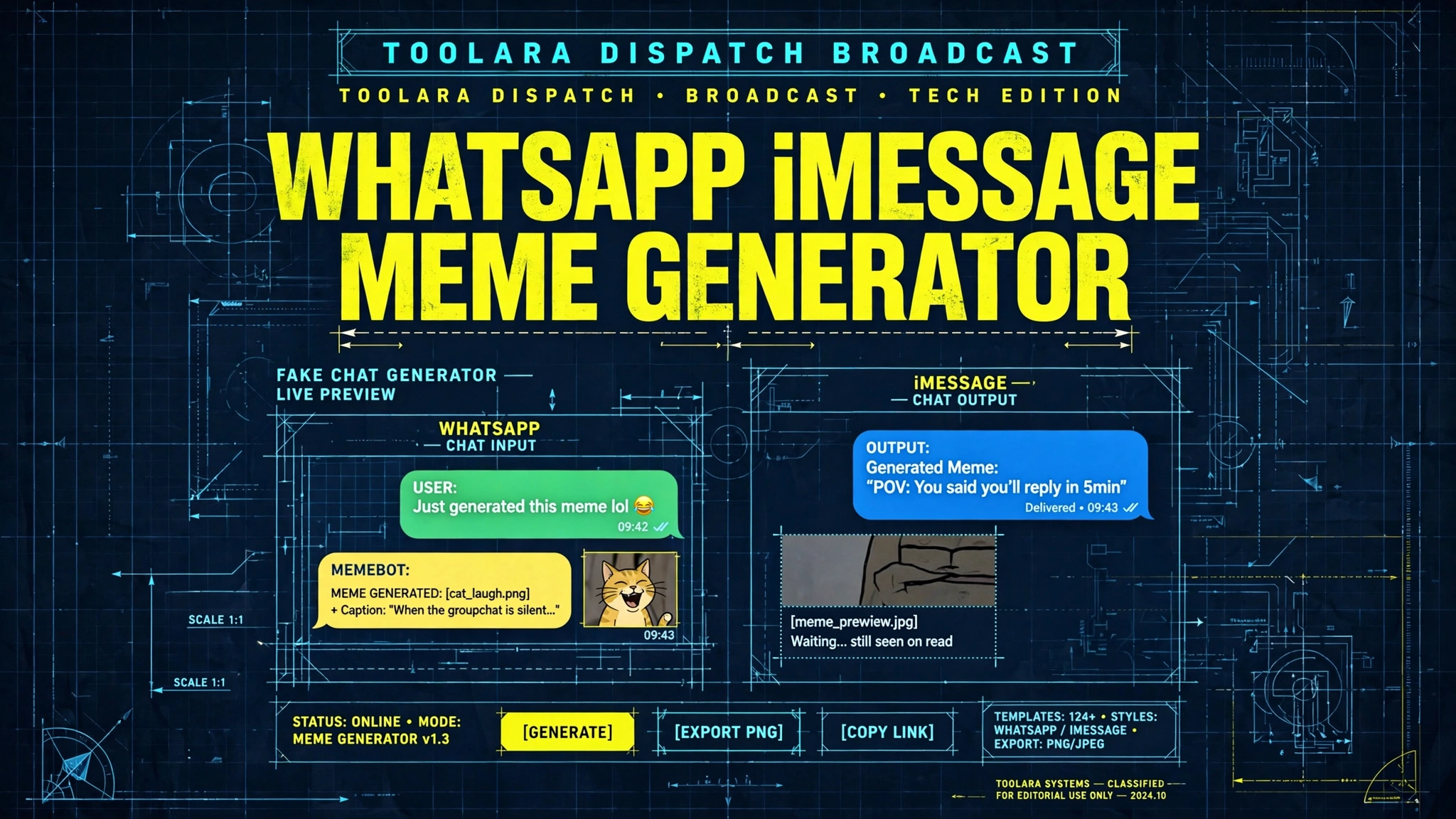
Looking for a quick way to whip up a believable chat screenshot for a meme, a presentation, or a harmless prank? You're in the right place.
A fake chat generator online free is a web-based tool that lets you create realistic-looking chat screenshots mimicking platforms like iMessage, WhatsApp, or SMS without any coding or design skills. Simply enter sender names, messages, and timestamps to produce a convincing chat screenshot instantly. These tools are widely used for creative projects, pranks, educational demos, and social media content.
Whether you're a content creator, marketer, teacher, or just someone who loves a good joke, knowing how to use a realistic fake chat creator can save hours of design work. In this guide, we'll cover everything from how these tools work to step-by-step instructions, best practices, and answers to the most common questions.
Fake Chat Generator Online Free: What It Is and How It Works
A fake chat generator is essentially an online image-builder that mimics the user interface (UI) of popular messaging apps. Instead of taking a real screenshot from your phone, you input the conversation manually — sender names, message text, timestamps, profile pictures, read receipts, and more — and the tool renders a pixel-perfect screenshot you can download as a PNG or JPG.
Here's what typically happens under the hood:
- Template rendering: The tool loads a pre-built UI template that matches a specific messaging app (iMessage, WhatsApp, Messenger, Telegram, SMS, etc.).
- Input parsing: Your text inputs (messages, names, times) are dynamically inserted into chat bubbles.
- Customization layer: You can tweak colors, dark/light mode, battery level, signal strength, time, and even typing indicators.
- Image export: The final canvas is converted into a downloadable image file.
The best fake conversation screenshot tool runs entirely in your browser, meaning your data never leaves your device. That's a huge privacy plus, and it's exactly how Toolora's Fake Chat Generator is built.
Why People Search for a Fake Text Message Screenshot Maker
The demand for a fake text message screenshot maker has exploded thanks to social media. Here's why:
- Viral content: Funny chat screenshots get millions of likes on Twitter, Instagram, and TikTok.
- Storytelling: Writers use fake chats to illustrate dialogue scenes.
- Marketing: Brands create mock conversations for ads and case studies.
- Education: Teachers and trainers demo messaging-related lessons (digital literacy, scam awareness, etc.).
Best Use Cases for Creating Fake Chat Screenshots
Not every use case is a prank. In fact, the most common reasons people create fake chat screenshots online are entirely professional or creative.
1. Social Media Content & Memes
Funny "texts from mom" or imaginary celebrity conversations rack up massive engagement. A fake iMessage generator free of cost makes this content creation effortless.
2. Marketing and Advertising Mockups
Many SaaS and app companies use chat mockups in landing pages to show product testimonials, customer support flows, or product demos.
3. UX/UI Design Prototyping
Designers use fake chat screenshots in Figma boards, pitch decks, and case study presentations.
4. Educational Demonstrations
Teachers explaining phishing, scam tactics, or cyberbullying rely on fake chats to safely demonstrate real-world examples without exposing private conversations.
5. Writers, Novelists & Screenwriters
Modern fiction includes text message conversations. A fake WhatsApp chat generator helps storytellers visualize these moments.
6. Pranks Among Friends
Harmless pranks (think: "I just won the lottery!" text to a friend) are a classic use case — just keep it ethical.
| Use Case | Best Platform Style | Tone |
|---|---|---|
| Memes & viral posts | iMessage, WhatsApp | Funny, casual |
| Marketing mockups | Custom branded | Professional |
| Phishing awareness | SMS, WhatsApp | Realistic, cautionary |
| Fiction writing | iMessage, Telegram | Emotional, narrative |
| UI/UX prototypes | Generic chat | Clean, minimal |
| Pranks | iMessage, WhatsApp | Playful |
How to Create Realistic Fake Chat Screenshots Step by Step
Creating a convincing chat screenshot is easier than you think. Follow these steps using a tool like Toolora's Fake Chat Generator:
Step 1: Choose Your Platform
Decide whether you want an iMessage, WhatsApp, SMS, or Messenger style. Each has a distinct color palette, bubble shape, and font.
- iMessage: Blue/grey bubbles, rounded, light or dark mode
- WhatsApp: Green outgoing, white/grey incoming, status ticks
- SMS: Plain green or grey bubbles
- Messenger: Bright blue gradient bubbles
Step 2: Set the Header Details
- Contact name or phone number
- Profile picture (upload your own or use a placeholder)
- Online status / "last seen" / typing indicator
Step 3: Add the Conversation
Type each message and assign it to either "sender" (you) or "receiver" (them). Adjust:
- Timestamps (e.g., "Today 9:42 AM")
- Read receipts (single tick, double tick, blue tick)
- Reactions or emojis
- Voice notes or image attachments (if your tool supports them)
Step 4: Customize Phone Status Bar
For authenticity, set:
- Current time (top of screen)
- Battery percentage
- Signal/WiFi strength
- Carrier name
Step 5: Preview and Download
Always preview before exporting. Once satisfied, download as PNG for the best quality.
Tips and Best Practices for Making Convincing Fake Chats
A poorly made fake chat is obvious within seconds. Use these pro tips to make yours genuinely realistic:
- Match the typography: iMessage uses SF Pro, WhatsApp uses Helvetica Neue or Roboto. The right font matters.
- Vary message length: Real conversations have a mix of short and long messages — not five identical sentences.
- Add natural typos and abbreviations: "lol", "u", "tbh" make it feel authentic.
- Use believable timestamps: Messages 30 seconds apart, then a 12-minute pause, then a quick reply — that's how humans chat.
- Don't overuse emojis: A real chat has maybe 1–2 emojis per few messages, not a string of them in every line.
- Include realistic status bar info: Battery at 87%, time at 2:14 PM — not battery at 100% with no signal.
- Stay ethical: Never create fake chats to harass, defame, defraud, or impersonate someone without consent.
Common Mistakes to Avoid
- Using the wrong app's color scheme (green bubbles in iMessage style)
- Forgetting the read receipt or delivery indicator
- Timestamps that don't match real-life chat rhythm
- Using stock profile photos that look obviously fake
- Missing the "typing…" indicator when needed
If you want a tool that handles all of this for you automatically, the Toolora Fake Chat Generator covers every detail listed above and exports high-resolution screenshots in seconds.
Frequently Asked Questions
Is using a fake chat generator online free legal?
Yes, in most cases it is completely legal — the tool itself is just an image generator. However, the legality depends entirely on how you use the output. Creating fake chats for memes, fiction, design mockups, education, or pranks among consenting friends is generally fine. What's illegal or unethical is using fake chats to commit fraud, defamation, blackmail, impersonation, or to mislead courts. Always use these tools responsibly and never present a fake screenshot as real evidence.
Can I create fake WhatsApp or iMessage screenshots for free?
Absolutely. Toolora's Fake Chat Generator supports both iMessage and WhatsApp styles for free — no sign-up, no watermarks, no paywall. You can choose between light and dark modes, add multiple participants, configure timestamps and read receipts, and export high-resolution images instantly. Most reputable fake iMessage generator free tools also support SMS, Messenger, and Telegram styles.
Do fake chat generators store or share my messages?
The best ones don't. High-quality tools — including the one at Toolora — process everything client-side in your browser, meaning your typed messages, names, and uploaded images never get sent to any server. Before using any chat generator, check its privacy policy. Avoid tools that require account creation just to download an image, since those are more likely to log your input.
What makes a fake chat screenshot look realistic?
Realism comes down to small details:
- Correct font, bubble shape, and color palette for the app
- Realistic timestamps with natural pauses
- Proper read/delivery indicators (ticks, "Read", "Delivered")
- A believable status bar (time, battery, signal)
- Variable message length with natural typos and casual language
- Authentic profile pictures instead of obvious stock photos
The closer you match what users see every day on their phones, the more convincing your screenshot becomes.
Ready to Create Your Own Realistic Fake Chat Screenshot?
Whether you're making content for social media, prototyping a UX flow, illustrating a story, or pranking a friend, you don't need expensive design software or hours of editing. With Toolora's free, browser-based generator, you can build a realistic chat screenshot in under 60 seconds — no signup, no watermark, no learning curve.
👉 Try the Toolora Fake Chat Generator now and create your first realistic iMessage, WhatsApp, or SMS screenshot for free. Your next viral post or perfect mockup is just a few clicks away.