Fake Chat Generator: Create WhatsApp & iMessage Screenshots for Memes
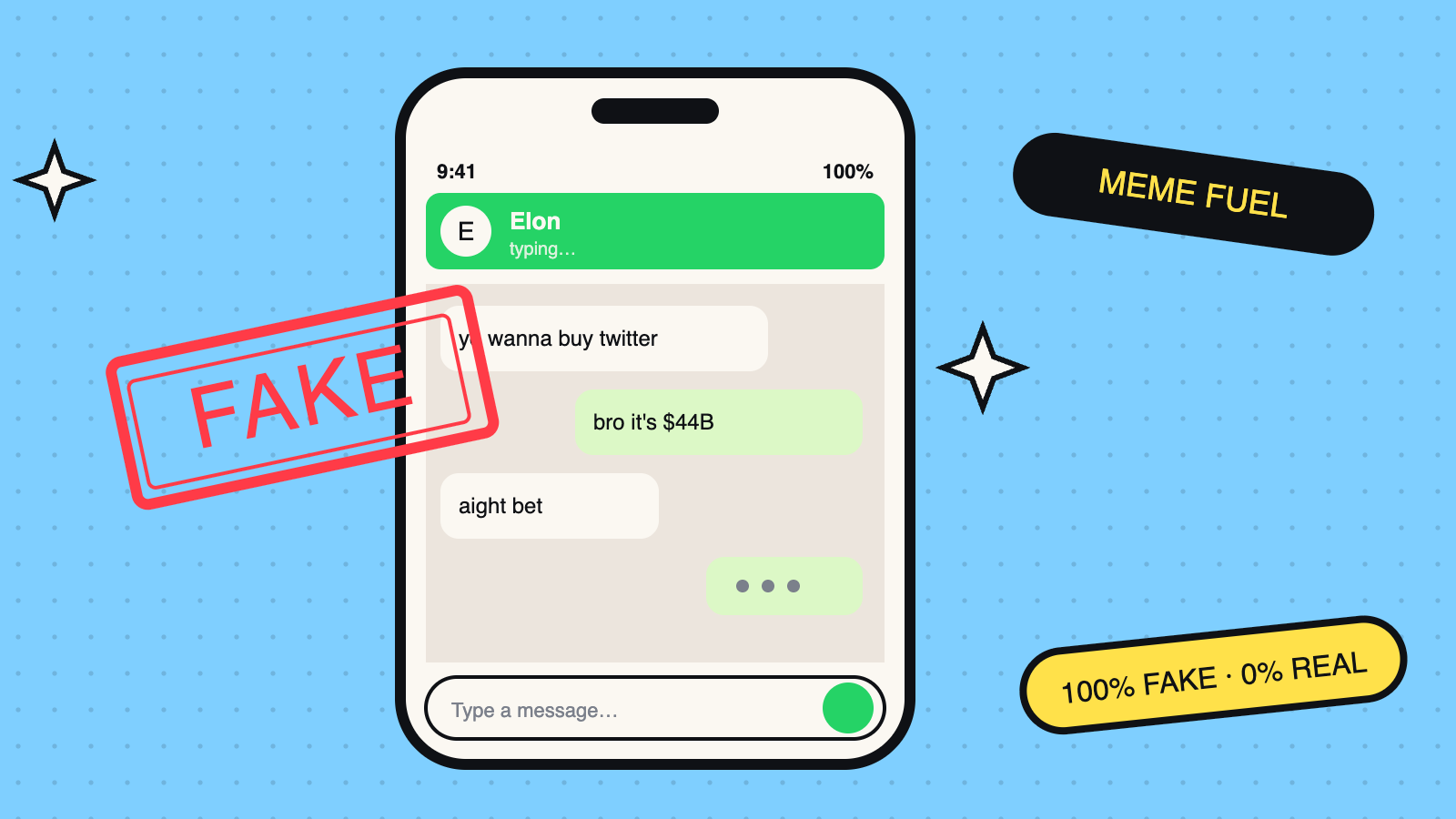
A fake chat generator lets you create realistic-looking chat screenshots for comedy, memes, and entertainment. Whether you need a funny WhatsApp conversation, an iMessage exchange, or an Instagram DM for a sketch, a fake chat generator builds it in your browser — no app download, no signup.
Try Toolora's free Fake Chat Generator to create WhatsApp, iMessage, Instagram DM, and X (Twitter) DM screenshots.
What Is a Fake Chat Generator?
A fake chat generator is a browser tool that creates a visual replica of a chat interface. You type the messages, choose the platform and theme, set the time and battery level, and the tool renders a realistic-looking screenshot you can save.
They're used for:
- Comedy content — funny fake conversations for Instagram reels or TikTok
- Meme creation — WhatsApp-style memes for group chats
- Creative writing — visual storytelling with chat format
- Entertainment — creating fictional conversations between characters
Supported Chat Platforms
Toolora's fake chat generator supports four popular platforms:
The most popular messaging platform globally. Green chat bubbles, dark green header, and the classic chat wallpaper background. Works in both light and dark mode.
iMessage
Blue bubbles for sent messages, grey for received. Clean white background typical of iPhone-to-iPhone messaging. Perfect for iOS memes.
Instagram DM
Gradient purple-pink sent bubbles, grey received messages. Accurate Instagram DM header with profile picture and status.
X (Twitter) DM
Blue-tinted sent messages, dark or light theme. Matches Twitter's current DM interface design.
How to Create a Fake Chat Screenshot
- Open toolora.org/tools/fake-chat
- Select your platform (WhatsApp, iMessage, Instagram DM, or X DM)
- Choose light or dark theme
- Enter sender and receiver names
- Set the display time (e.g. "9:41 AM") and battery percentage
- Add messages — select who's sending each one, type the message, click Add
- Preview updates live on the right
- Click "Save as PNG" to export
The entire process takes under two minutes.
Safety and Responsible Use
⚠️ Important: Fake chat generators must be used responsibly. Toolora's tool includes a permanent watermark reading "Generated for entertainment only — not real" on every screenshot.
Do not use fake chat generators to:
- Impersonate real people (celebrities, politicians, family members)
- Create fake payment, banking, or financial screenshots
- Fabricate legal documents or government notices
- Spread political misinformation
- Bully or harass individuals
The tool is designed purely for comedy, memes, and entertainment. Using it to deceive, scam, or harass people is illegal in most jurisdictions.
Fake Chat Ideas for Memes
Breakup Chat
The most viral meme format. A fictional breakup conversation with unexpected twists works great for comedy content.
Boss vs Employee
Office humour — the manager who "just has a quick question" at 5 PM on a Friday. Relatable content that gets thousands of shares.
Cricket Fan Chat
During PSL or IPL season, a dramatic match day chat between two rival fans generates huge engagement.
Startup Founder Chat
"We're disrupting the market" energy between two fictional founders. Resonates deeply in tech and business communities.
Desi Family Group Chat
The WhatsApp family group format — good morning messages, unsolicited advice, and forwarded voice notes. Pure comedy.
Light vs Dark Mode
Most fake chat generators default to light mode. Toolora's generator supports:
Light mode — white backgrounds, standard platform colours. Best for clear screenshots on white backgrounds.
Dark mode — dark grey/black backgrounds. More cinematic and works well for Instagram stories or dramatic memes.
Tips for Better Fake Chat Memes
Keep it short. The best fake chat memes are 4–8 messages. Long chats lose attention quickly.
Use realistic names. Common names make the meme feel more relatable and shareable.
Set a realistic time. "2:47 AM" immediately creates a specific mood. "9:41 AM" is the default iPhone screenshot time (Apple always uses this in product photos).
Low battery adds drama. A 7% battery indicator signals urgency and tension in the conversation.
Match your content to the platform. WhatsApp feels more personal; Instagram DM feels more social media native; iMessage feels more Western/urban.
Frequently Asked Questions
Is the fake chat generator free?
Yes — completely free, no signup, no watermark removal needed. The "entertainment only" watermark is a safety feature, not a paywall.
Can I remove the watermark?
The watermark is intentional and cannot be removed. It prevents misuse and clearly marks the image as fictional.
Does it work on mobile?
Yes — fully responsive, works on iOS and Android browsers.
Can I add emojis?
Yes — just type emojis in the message field. They'll render in the chat preview.
How do I save the chat as a PNG?
Click "Save as PNG" to open a print-friendly view. Use your device's screenshot, or print to PDF for the best quality.
Create your first meme at toolora.org/tools/fake-chat — free, no signup, no download.