Timer Online Free — Countdown Timer and Stopwatch, No App Needed
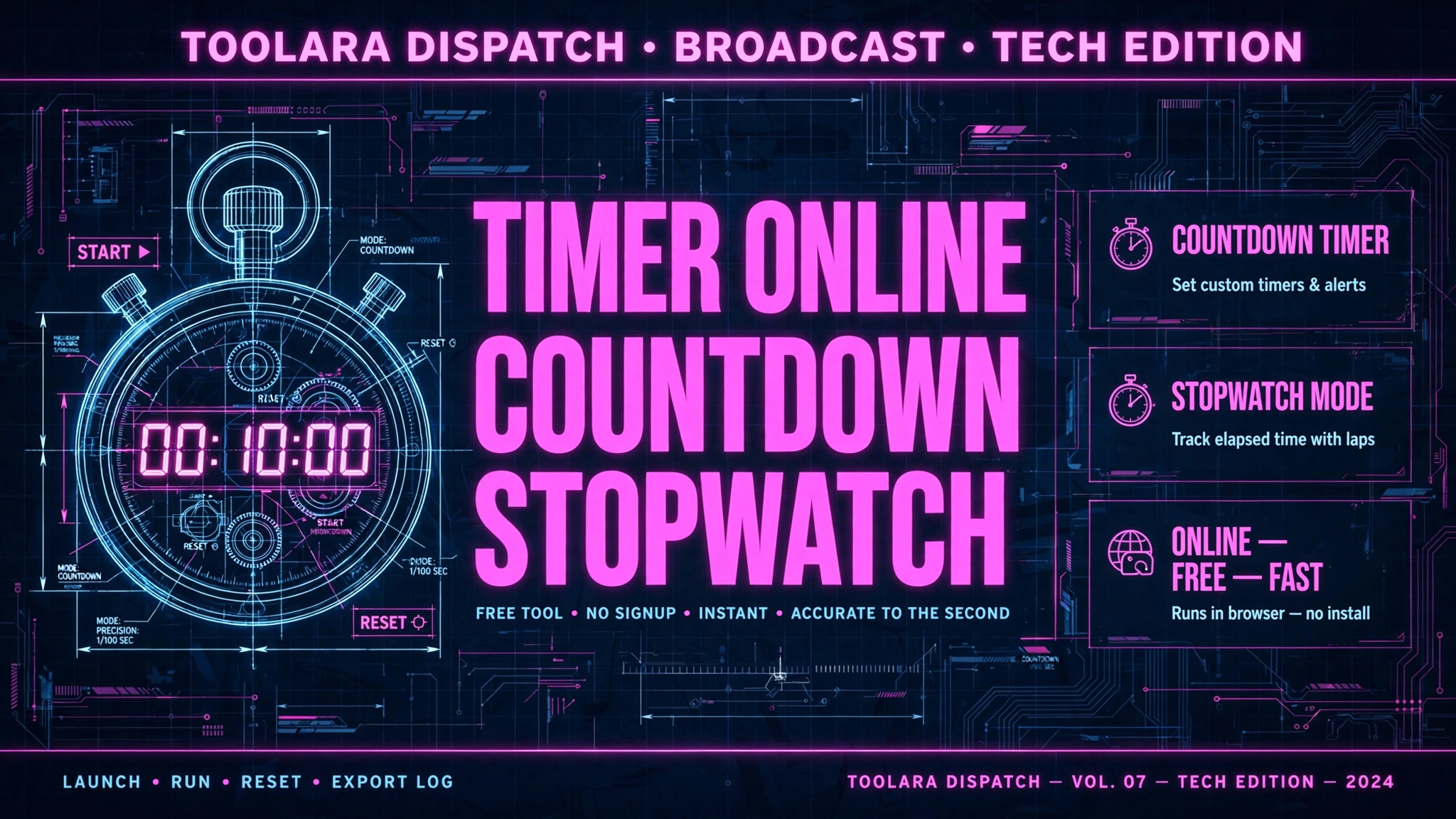
A timer is one of those deceptively simple tools that dramatically affects how productive you are. Whether you are studying with the Pomodoro technique, tracking your workout intervals, timing a presentation, or just making sure your pasta does not overcook — Toolora's free online timer gives you a precise countdown timer and stopwatch with zero setup.
No app to download. No account to create. Works offline after the first visit.
Two Tools in One
Countdown Timer
Set hours, minutes, and seconds. Press start. When time runs out, an audio alert fires and the display turns green — you will know without having to watch the screen.
Best for:
- Pomodoro work sessions (25 minutes)
- Cooking and kitchen timing
- Presentations (keep yourself on time)
- Exam practice under timed conditions
- Workout rest intervals
Stopwatch
Tap start, tap lap to mark intervals, tap stop. The display shows hours, minutes, seconds, and tenths of a second. Lap times are listed below for easy review.
Best for:
- Tracking workout splits and interval times
- Sprint planning (time how long tasks actually take)
- Sports coaching
- Timing any process you want to measure
How to Use the Online Timer
- Go to toolora.org/tools/timer-online
- Select Countdown or Stopwatch using the tabs
- For countdown: enter your hours, minutes, and seconds, then press Start
- For stopwatch: press Start, use Lap to mark intervals, Pause to pause
- The page plays an audio alert when the countdown reaches zero
You can keep the tab open in the background — the timer keeps running.
The Pomodoro Technique and Why Timers Matter
The Pomodoro Technique was developed by Francesco Cirillo in the 1980s. The premise:
- Work for 25 minutes without interruption (one Pomodoro)
- Take a 5-minute break
- After 4 Pomodoros, take a 15–30 minute break
Studies show this alternation between focused work and rest:
- Reduces mental fatigue
- Decreases the impact of internal and external interruptions
- Builds a sustainable work rhythm over long sessions
- Makes large tasks feel manageable by breaking them into 25-minute chunks
Set our countdown timer to 25 minutes, work without checking your phone, then 5 minutes. Repeat.
Time Your Tasks to Improve Estimates
Most people are terrible at estimating how long things take. The fix: use a stopwatch to time everything for two weeks. How long does it actually take to:
- Respond to 10 emails?
- Write a first draft of a blog post?
- Do your morning routine?
Once you have real data, your calendar estimates become accurate. This single habit, tracked consistently, can reclaim hours per week.
Online Timer vs. Phone Timer
| Scenario | Browser Timer | Phone Timer |
|---|---|---|
| Computer-based work | Best option — keep it in a tab | Requires reaching for phone |
| Avoiding phone distractions | Timer runs without touching phone | Opening phone means distractions |
| Shared classroom display | Can display on projector | Cannot display easily |
| Offline use | After first visit | Always |
Timer Use Cases by Profession
Teachers: Time classroom activities, quizzes, and group work. Display the browser timer on the projector.
Coaches: Time intervals, rest periods, and exercise sets. Lap function records each set time.
Developers: Pomodoro sessions for focus, or time how long builds and tests take.
Writers: Set a 30-minute writing sprint — write continuously without editing until the alarm fires.
Presenters: Set the timer for your allocated speaking slot.
Frequently Asked Questions
Does the timer keep running if I switch tabs?
Yes. The timer runs in JavaScript and continues in the background even if the tab is not visible.
Will the audio alarm fire if the tab is in the background?
Yes, the alarm fires when the countdown hits zero even if you are on a different tab.
Can I set a timer for more than 24 hours?
The current maximum is 99 hours 59 minutes 59 seconds.
Does it work offline?
Yes, after the first visit. The page is cached by your browser so the timer works without an internet connection.
Can I use it on my phone?
Yes, it works on mobile browsers. Tap the countdown inputs to set the time and use the on-screen buttons.
More productivity tools: Password Generator for creating credentials, and Grammar Checker for polishing documents between Pomodoros.