URL Slug Generator SEO: Why URL Structure Matters
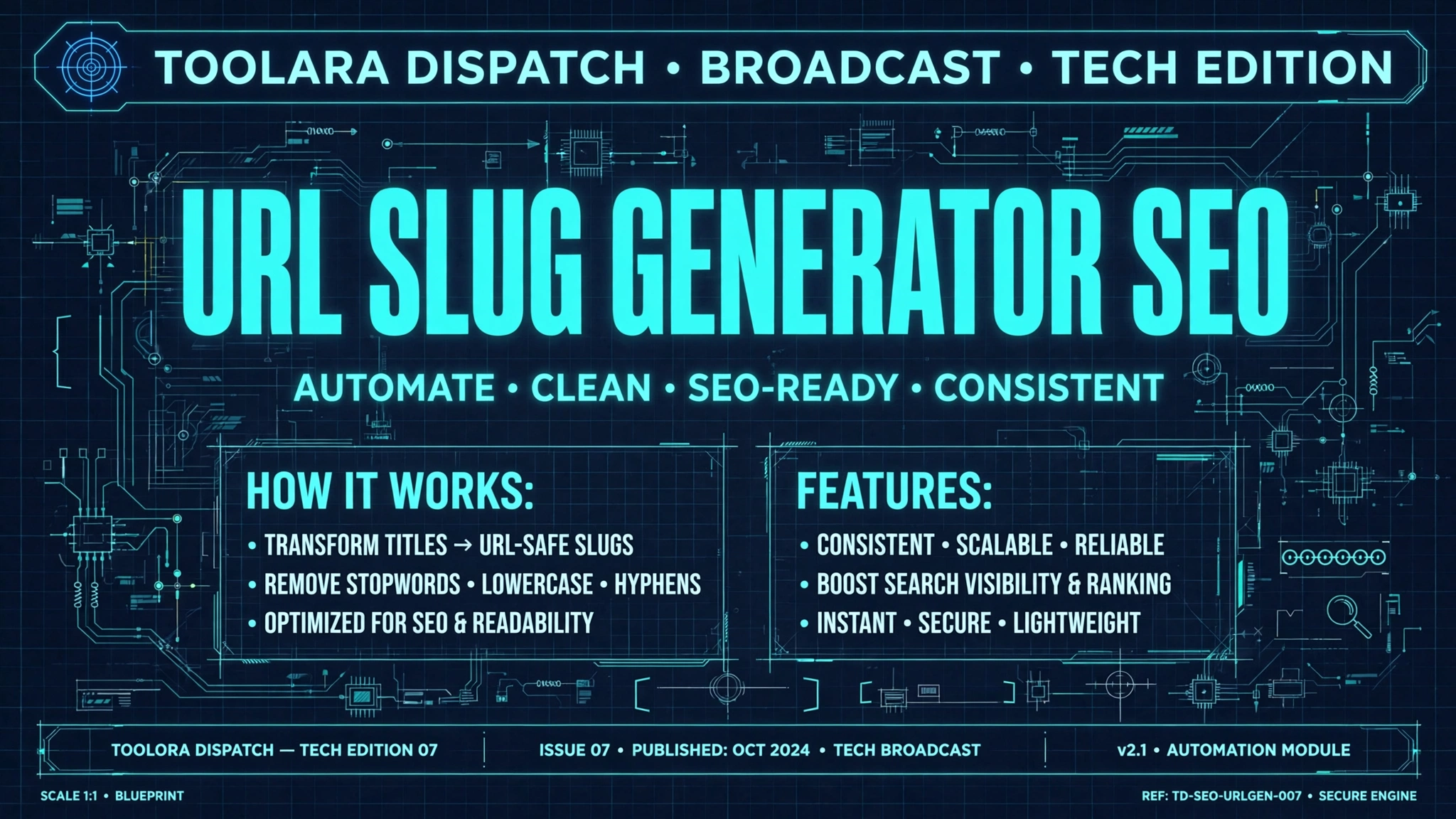
A URL slug generator for SEO automatically converts page titles into clean, readable URL paths that search engines and users can easily understand. Well-structured slugs remove stop words, lowercase all characters, and replace spaces with hyphens to improve crawlability and click-through rates. Using the right slug format is one of the simplest on-page SEO wins available to any website owner.
If you've ever wondered why some URLs look like yoursite.com/best-running-shoes while others appear as yoursite.com/?p=12345&cat=48, the difference lies in slug optimization. Search engines like Google explicitly reward clean, descriptive URLs — and so do human visitors deciding whether to click your link in the results page.
URL Slug Generator SEO: What It Is and Why It Matters
A URL slug is the part of a web address that comes after your domain name and identifies a specific page. For example, in the URL https://toolora.org/tools/url-slug-generator, the slug is url-slug-generator.
A SEO friendly URL slug tool takes any raw text — usually your page title or article headline — and transforms it into a search-optimized URL path by:
- Converting all characters to lowercase to avoid duplicate content issues
- Replacing spaces with hyphens (the Google-recommended separator)
- Removing special characters like
?,&,#,!, and quotation marks - Stripping stop words such as "a," "the," "and," "of," and "in"
- Transliterating accented or non-Latin characters into ASCII equivalents
- Trimming excess length to keep URLs concise and shareable
Why does this matter? Because URLs are one of the first signals search engines analyze when ranking a page. A messy URL like ?id=8834&session=abc gives Google zero context, while generate-url-slug-from-title clearly communicates the topic. This is the essence of the best url slug generator for SEO workflow: turn ambiguous strings into ranking-ready paths in a single click.
How URL Structure Directly Impacts Your Search Rankings
A clean URL structure for SEO influences rankings in more ways than most site owners realize. Google's own search documentation confirms that URLs are used as a ranking factor, and multiple case studies show that URL optimization can lift click-through rates by 25% or more.
Here are the key ways your URLs affect SEO performance:
- Keyword relevance signals — Google reads slug words to understand what the page is about
- User trust and CTR — Readable URLs get more clicks in the SERPs
- Backlink quality — People are more likely to link to a URL they can read
- Social sharing — Clean URLs display better on Twitter, LinkedIn, and Slack
- Crawl efficiency — Simple URLs reduce crawl budget waste on large sites
- Reduced duplicate content risk — Consistent lowercase slugs prevent case-based duplicates
Comparison: Bad URLs vs. SEO-Friendly URLs
| Bad URL Example | SEO-Friendly URL | Why It Wins |
|---|---|---|
/?p=1234 |
/url-slug-generator-seo |
Contains target keyword |
/Blog/Post_45/The-Best-Way!!!.html |
/blog/best-way-to-write-slugs |
Lowercase, no special chars |
/products/item?id=88&cat=shoes |
/products/running-shoes |
Human-readable |
/artículo-sobre-café-☕ |
/articulo-sobre-cafe |
Proper transliteration |
/this-is-a-very-long-and-detailed-guide-to-slugs-in-2024 |
/guide-to-seo-slugs |
Concise, focused |
Notice how the SEO-friendly versions are shorter, more descriptive, and immediately communicate value. That's exactly what a URL slug generator produces automatically.
How to Use a URL Slug Generator for SEO-Friendly URLs
Learning how to create SEO friendly URL slugs doesn't require any technical background. Here's a five-step process using a slug generator tool:
- Draft your page title first. Write a compelling H1 like "The Best Way to Write URL Slugs in 2024."
- Paste the title into the slug generator. The tool instantly converts it into
best-way-write-url-slugs-2024(stop words like "the," "to," and "in" removed). - Review and refine. Check the output for clarity — sometimes you may want to keep a stop word if it changes meaning.
- Add your primary keyword. If the tool hasn't preserved your target term, edit the slug to include it near the front.
- Implement in your CMS. Paste the finalized slug into WordPress, Shopify, Webflow, or wherever you publish.
The main advantage of using a dedicated tool over manual editing is consistency. When you generate URL slug from title for hundreds of pages, a generator ensures every URL follows the same rules — no missed capital letters, no forgotten special characters, no wildly different lengths.
When You Should Regenerate Existing Slugs
Not every old URL needs updating. Only regenerate slugs when:
- The current URL contains query strings or session IDs
- The slug is more than 8 words long and confusing
- The URL includes special characters breaking social previews
- You're doing a site migration or CMS switch
- The page is not yet indexed by Google (safe to change)
Important: If you change a slug on a page that already ranks, set up a 301 redirect from the old URL to the new one to preserve link equity.
URL Slug Best Practices Every Website Owner Should Follow
Following proven URL slug best practices ensures your pages are technically sound and reader-friendly. Here are the rules the top-ranking sites follow:
- Keep it under 60 characters — shorter slugs perform better in SERPs
- Use only lowercase letters —
/Aboutand/aboutare technically different URLs - Separate words with hyphens (-), never underscores (_) — Google treats hyphens as spaces
- Include your primary keyword — but only once, and near the start
- Remove stop words — "a," "an," "the," "of," "and," "or," "but," "in," "on"
- Avoid dates unless necessary —
/2024/03/post-titlelooks stale next year - Skip file extensions — no need for
.html,.php, or.aspxin modern URLs - Never use spaces or
%20— they always encode ugly - Match the slug to the page content, not marketing fluff
- Be consistent across your site — pick a pattern and stick with it
What to Avoid in URL Slugs
Equally important is knowing what NOT to include:
- Excessive keyword stuffing —
/seo-seo-tools-seo-guidegets penalized - Dynamic parameters where possible — turn
?category=xinto/category/x - Non-ASCII characters without transliteration
- Numbers that will change — avoid
/top-10-tipsif you plan to expand the list - Brand or campaign codes — those belong in UTM parameters, not the slug
Once your URLs are optimized, pair them with other on-page fundamentals. Tools like the meta tag generator and word counter help you tighten titles, descriptions, and content length — the three biggest on-page ranking factors alongside URL structure.
Frequently Asked Questions
What is a URL slug and why does it matter for SEO?
A URL slug is the portion of a web address that appears after the domain and identifies a specific page — for example, url-slug-generator in toolora.org/tools/url-slug-generator. It matters for SEO because search engines read the words in your slug to understand page content. A descriptive, keyword-rich slug helps Google match your page to relevant searches and gives users a preview of what they'll find when they click. Studies show that clean, readable URLs can increase organic click-through rates by up to 25%, making slug optimization one of the highest-ROI SEO tasks.
Should I include keywords in my URL slug?
Yes, but sparingly. Including your primary target keyword in the slug is one of Google's confirmed on-page ranking signals, and it helps users understand relevance before clicking. However, keyword stuffing your URL — like /best-seo-tool-seo-generator-seo-slug — can look spammy and may trigger algorithmic penalties. The best approach is to include your keyword exactly once, place it near the start of the slug, and let the rest of the URL support natural context. For instance, /url-slug-generator-seo is better than either /url-slug-generator-for-seo-tools-and-tips or a keyword-less alternative like /tool-page.
What characters are not allowed in a URL slug?
Technically, URLs support a limited character set defined by RFC 3986. In an SEO-friendly slug, you should use only:
- Lowercase letters (a–z)
- Numbers (0–9)
- Hyphens (-) as word separators
You should avoid:
- Spaces (they encode to
%20) - Special characters like
? & # ! @ $ % ^ * ( ) + = { } [ ] | \ : ; " ' < > , . - Accented characters (é, ñ, ü) — transliterate them to plain ASCII
- Underscores (_) — Google recommends hyphens instead
- Uppercase letters — they create case-sensitivity issues
A SEO friendly URL slug tool automatically strips or converts all of these, saving you from manual cleanup.
How long should an SEO-friendly URL slug be?
The sweet spot for slug length is 3 to 5 words, or roughly 40–60 characters total. Backlinko's analysis of 11.8 million Google search results found that shorter URLs consistently outperform longer ones in the SERPs. However, the goal isn't extreme brevity — it's clarity. A slug like /how-to-write-seo-urls (21 characters) is ideal because it's short enough to display fully in mobile search results but descriptive enough to communicate the topic. Slugs longer than 75 characters risk being truncated in SERPs and appear cluttered when shared on social media.
Start Generating SEO-Friendly URLs Today
URL optimization is one of the fastest, easiest, and cheapest SEO wins available — but only if you do it consistently across every page you publish. Manually cleaning slugs for hundreds of posts is tedious and error-prone, which is why smart marketers automate the process.
Try the free URL Slug Generator on Toolora right now. Paste any page title, article headline, or product name, and get a clean, lowercase, hyphen-separated, keyword-optimized slug in one click. No signup required, no character limits, and no ads getting in your way — just fast, reliable slugs that help your pages rank higher and earn more clicks. Bookmark it and use it for every piece of content you publish going forward.