Domain Availability Checker Free — Find Your Domain Now
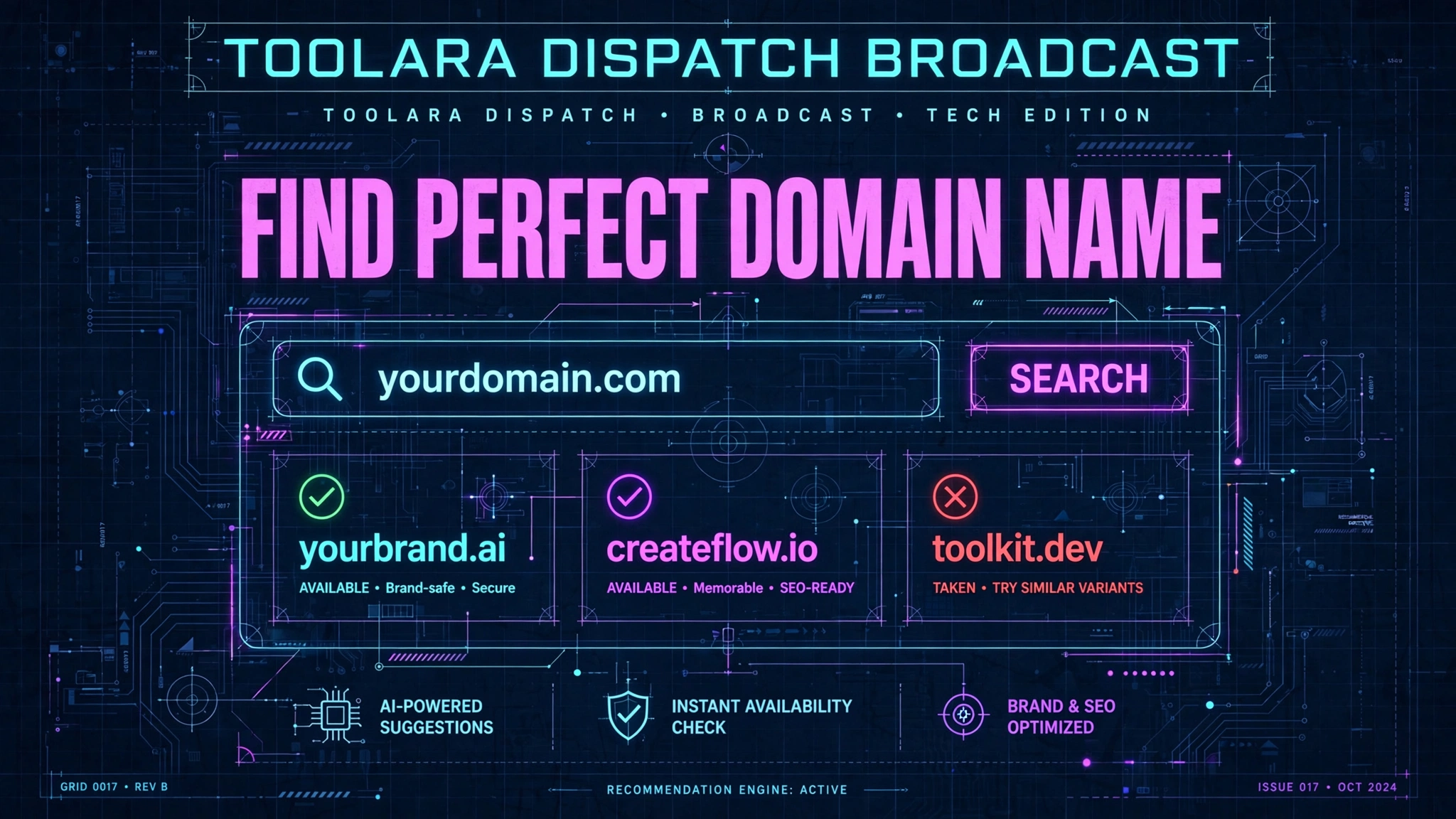
Launching a website, brand, or side project always begins with the same question: is my dream domain name still available? Before spending money on business cards, logos, or marketing campaigns, you need a fast and reliable way to verify that your chosen web address isn't already taken by someone else.
A domain availability checker free tool lets you instantly search whether a specific domain name is registered or still available to purchase. Simply enter your desired name, select an extension like .com or .net, and the tool queries the WHOIS database in real time. This saves you hours of manual research before committing to a brand name or website idea.
In this guide, we'll walk through exactly how these tools work, how to use them effectively, and how to secure the best possible domain for your project — without paying a single cent for the search itself.
Domain Availability Checker Free: What It Is and Why It Matters
A free domain search tool is an online utility that scans domain name registries to tell you whether a specific web address is currently owned, expired, reserved, or available for purchase. Instead of visiting multiple registrar websites and typing the same name over and over, you get an instant answer in one place.
Here's why using a domain name lookup tool matters so much in 2024:
- Speed: Manual searching across registrars can take hours. A checker returns results in under a second.
- Accuracy: Real-time WHOIS queries prevent you from falling in love with a name that's already registered.
- Cost savings: Free tools eliminate any need for premium subscriptions just to check availability.
- Brand protection: You can quickly verify whether related extensions (.net, .io, .co) are open so competitors don't grab them later.
- Creative iteration: When your first idea is taken, you can test dozens of variations in minutes.
Whether you're a startup founder, freelance developer, blogger, or small business owner, a best domain availability checker is one of the first tools you should bookmark. It's the difference between building on a solid foundation and discovering — after weeks of design work — that your name legally belongs to someone else.
How a Free Domain Availability Checker Works Behind the Scenes
Understanding what happens when you type a name into a checker helps you interpret the results with confidence. Here's the simplified process:
- You enter a domain name like "myawesomeidea" and choose an extension such as .com.
- The tool sends a query to the WHOIS protocol, which is the global directory of domain registrations.
- Registry servers respond with the registration status — registered, available, reserved, or pending deletion.
- DNS records are cross-checked to confirm whether the domain actually resolves to a live server.
- Results are displayed to you in plain language, often with pricing suggestions from registrar partners.
Behind that instant "available" or "taken" answer sits a complex network of registries (like Verisign for .com), registrars (like GoDaddy or Namecheap), and the WHOIS database maintained under ICANN oversight.
Key technical points to remember:
- WHOIS data can be delayed by a few minutes for newly registered domains, but modern checkers rely on real-time registry lookups for accuracy.
- Premium domains may show as "available" but come with high resale prices from domain investors.
- Grace and redemption periods exist after a domain expires — a name may appear taken even though the previous owner has already abandoned it.
Ready to try it yourself? Head over to the Toolora Domain Availability Checker and run your first search.
How to Find the Perfect Domain Name Using a Free Checker Tool
Knowing how to check if a domain is taken is only step one. The bigger goal is to actually find available domain names that work for your brand. Follow this proven workflow:
Step 1: Brainstorm Before You Search
Before opening the checker, list 15–20 candidate names. Consider:
- Your brand keywords (what you do or sell)
- Your target audience (industry, geography, tone)
- Memorability (short, easy to spell, easy to say)
- Trademark safety (avoid names close to existing brands)
Step 2: Run Bulk Availability Checks
Enter your top candidates into the free domain search tool one at a time, or use bulk-input mode if supported. Note which names return "available" and which are taken.
Step 3: Explore Alternative Extensions
If your ideal .com is taken, don't give up. Modern audiences are increasingly comfortable with alternatives:
| Extension | Best For | Perceived Trust |
|---|---|---|
| .com | General business, global brands | Highest |
| .net | Tech, networking, ISPs | High |
| .io | Startups, SaaS, developers | High (in tech) |
| .co | Modern brands, alternative to .com | Medium-High |
| .app | Mobile and web applications | Medium |
| .ai | AI, ML, and tech startups | High (in AI space) |
| .org | Nonprofits, communities | High |
| .xyz | Web3, crypto, creative projects | Medium |
Step 4: Verify Trademark and Social Handle Availability
Once a domain looks promising:
- Search the USPTO trademark database (or your local equivalent).
- Check social media handles on Twitter/X, Instagram, LinkedIn, and TikTok.
- Google the exact name to spot potential brand conflicts.
Step 5: Register Immediately
Available domains get snapped up fast — sometimes within hours. Once you're confident, register the domain right away through your preferred registrar. Some experts even recommend buying the same name across multiple key extensions for brand protection.
Tips and Best Practices for Choosing an Available Domain Name
Even with the best domain availability checker at your fingertips, choosing wisely takes strategy. Follow these battle-tested tips:
Keep it short and memorable. Studies show domains between 6 and 14 characters perform best for recall and typing accuracy.
Avoid hyphens and numbers. They cause confusion when you say the URL out loud ("is that spelled with a dash or the word 'dash'?"). Stick to letters only whenever possible.
Make it pronounceable. If you can't say it easily, people won't share it. Test by reading candidate names aloud to a friend.
Think long-term. Don't lock yourself into a niche you may outgrow. "BostonPizzaBlog.com" limits you if you later expand to other food topics.
Prioritize .com when possible. Despite the rise of alternatives, .com still commands the highest trust and direct-navigation traffic. If your dream .com is taken, consider slight variations before jumping to another extension.
Watch for trademark landmines. Never register a domain that could infringe on an existing brand — you may lose it through a UDRP dispute even years later.
Check historical use. Some previously registered domains carry SEO penalties or spam associations. Use tools like the Wayback Machine to see prior content.
Register variants defensively. Once you settle on a name, grabbing common misspellings and the .net/.co versions prevents competitors and typosquatters from exploiting your brand.
Don't overthink it forever. The "perfect" name doesn't exist. A good name that's available today beats a perfect name that's taken tomorrow. Airbnb, Google, and Zappos all sounded odd at first — execution matters more than the letters.
Frequently Asked Questions
What is a domain availability checker free tool?
A domain availability checker free tool is an online service that instantly verifies whether a specific domain name is registered or open for purchase. It queries the global WHOIS database and registry servers in real time, then reports the status back in plain language. Free versions like the Toolora Domain Availability Checker charge nothing for searches — you only pay if you later choose to register the domain through a registrar. These tools are essential for anyone starting a website, launching a brand, or protecting an existing business online.
How do I know if a domain name is truly available to buy?
To confirm a domain is genuinely available:
- Run a WHOIS lookup using a reliable checker tool.
- Check the DNS records — if none exist, the domain likely isn't in active use.
- Verify at the registrar's checkout — the final confirmation happens when you attempt to purchase.
- Look for "premium" flags — some available domains are listed at inflated prices by investors.
- Watch for grace periods — recently expired domains may show as available but still be in redemption.
If all five signals align, you can register with confidence. Most free domain search tools consolidate these checks into one result screen.
What domain extensions should I check besides .com?
While .com remains the gold standard, checking other extensions expands your options dramatically. Recommended alternatives include:
- .net and .org for traditional credibility
- .io and .ai for tech and startup vibes
- .co as a shorter .com alternative
- .app, .dev, and .tech for developer-focused brands
- Country-code TLDs like .us, .uk, .de, or .ca for local businesses
Checking multiple extensions also helps with defensive registration — buying variants of your primary domain to prevent competitor confusion or typosquatting.
Can I check multiple domain names at once for free?
Yes, most modern domain name lookup tools offer bulk checking, letting you enter a list of names or test multiple extensions simultaneously. The Toolora Domain Availability Checker supports rapid, unlimited searches at no cost. Bulk checking is especially useful when brainstorming brand names because it lets you compare dozens of candidates side by side in seconds rather than hours. There's no signup required, no credit card, and no hidden search limit — just enter names and get instant results.
Ready to secure your perfect domain? Stop guessing whether your dream name is available and get an instant, accurate answer today. Try the Toolora Domain Availability Checker — completely free, unlimited searches, no signup required. Your next great website is just one search away. 🚀