Pomodoro Timer Online Free — Focus in 25 Minutes
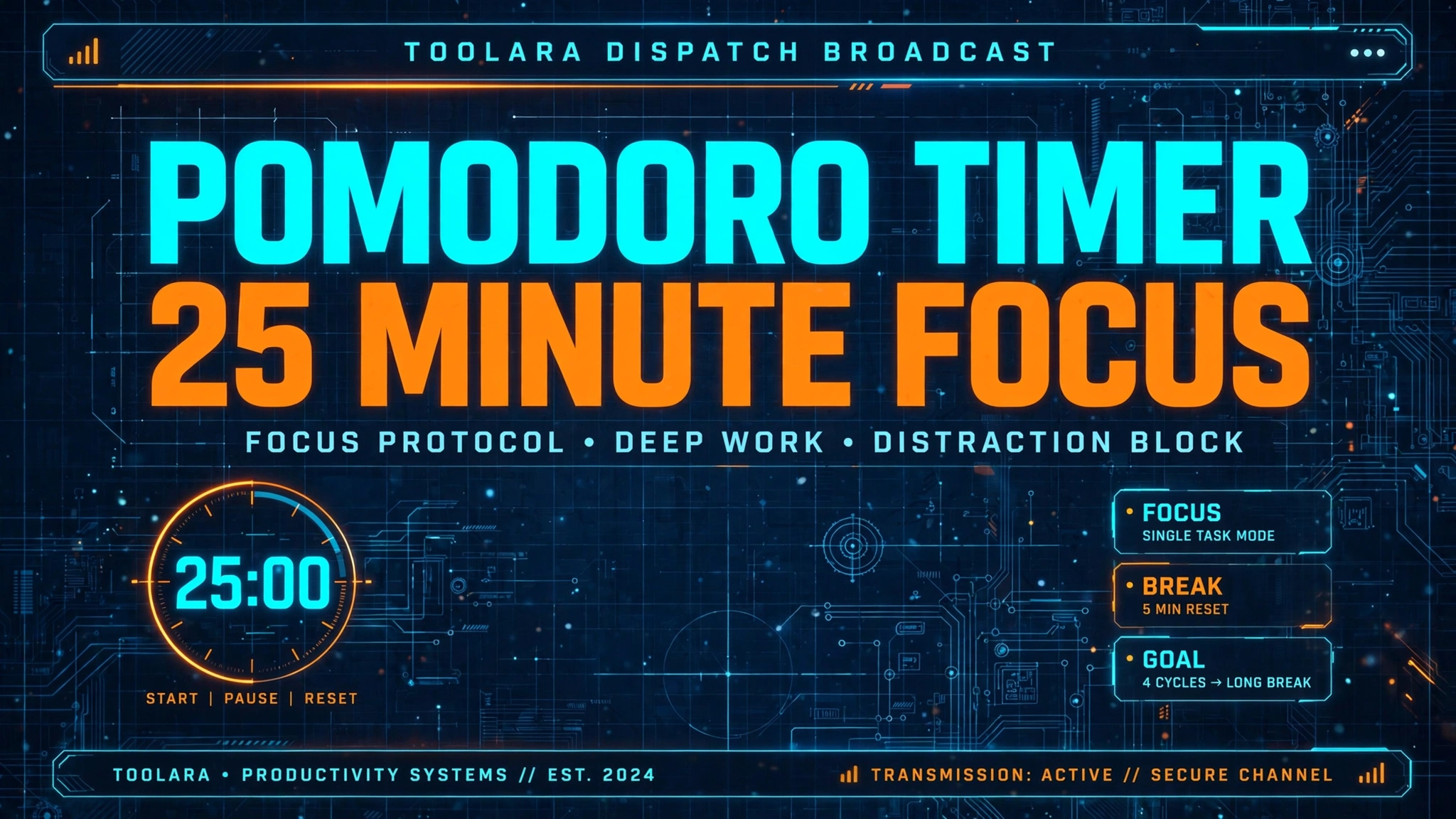
If you struggle to stay focused while studying, working, or writing, a pomodoro timer online free can transform how you spend your hours. This simple browser-based productivity method breaks deep work into focused 25-minute intervals — and it works whether you're a student cramming for exams, a developer shipping code, or a freelancer juggling deadlines.
A free online Pomodoro timer lets you use the proven 25-minute focus technique directly in your browser — no download or sign-up required. You work for 25 minutes, take a 5-minute break, and repeat the cycle four times before a longer 15–30 minute rest. This structured rhythm reduces mental fatigue and dramatically improves deep focus and productivity.
Pomodoro Timer Online Free: Work Smarter in 25-Minute Sprints
The beauty of a free pomodoro timer with no download is its simplicity. Open a browser tab, hit start, and your focus session begins immediately. Unlike productivity apps that demand installations, permissions, or premium subscriptions, a web-based Pomodoro tool runs entirely in your browser — making it ideal for locked-down work computers, school laptops, or borrowed devices.
Here's what makes the best free pomodoro timer browser experience stand out:
- Instant access — no account creation, no download wait time
- Visual countdown that reinforces urgency and time-awareness
- Audio alerts so you can step away from the screen without losing track
- Automatic break cycles that prevent burnout
- Cross-device compatibility — works on Chrome, Firefox, Safari, Edge, and mobile browsers
- Zero distractions — no notifications, ads, or social feeds pulling you away
You can launch a session right now using the Toolora Pomodoro Timer and start your first 25-minute sprint within seconds.
What Is the Pomodoro Technique and Why Does It Work?
The Pomodoro Technique was developed in the late 1980s by Italian university student Francesco Cirillo, who used a tomato-shaped kitchen timer (pomodoro means "tomato" in Italian) to break his study sessions into manageable chunks. What started as a personal trick became one of the most popular time-management systems in the world — used today by Fortune 500 employees, indie developers, students, and writers.
The pomodoro technique 25 minutes rule isn't arbitrary. Cognitive research suggests human attention naturally peaks in short, intense bursts. Sustained focus longer than 30–45 minutes leads to mental fatigue, reduced accuracy, and decision exhaustion. By chunking work into 25-minute "Pomodoros," you:
- Lower the activation barrier — committing to 25 minutes feels achievable, even for tasks you've been avoiding.
- Combat perfectionism — short sprints discourage over-polishing and encourage forward momentum.
- Train deep concentration — knowing a break is coming makes it easier to resist distractions.
- Track real productivity — counting Pomodoros completed gives you objective output data.
- Prevent burnout — mandatory breaks protect long-term cognitive stamina.
The technique works because it aligns with how the brain naturally cycles between focus and rest. When you push past your attention span, you don't gain extra productivity — you trade it for mistakes and exhaustion.
How to Use a Free Online Pomodoro Timer Step by Step
Getting started with an online focus timer for studying or working takes less than a minute. Here's the proven workflow:
Step 1: Choose One Task
Pick one specific task — not a vague goal like "study chemistry," but something concrete like "review chapter 4 flashcards" or "draft the introduction section." Single-tasking is the secret sauce.
Step 2: Set the Timer to 25 Minutes
Open the Toolora Pomodoro Timer in a browser tab. The default is already set to 25 minutes of focus time. Press Start.
Step 3: Work Until the Timer Rings
This is the hard part. During the 25 minutes:
- No checking your phone
- No switching to email or Slack
- No "quick" Google searches unrelated to the task
- No multitasking — if a thought pops up, write it down on a notepad and return to it later
Step 4: Take a 5-Minute Break
When the timer rings, stop immediately — even if you're "almost done." Stand up, stretch, hydrate, look out a window. Avoid screens if possible.
Step 5: Repeat Four Times, Then Take a Long Break
After completing four Pomodoros (about two hours of total focus time), take a 15–30 minute long break. Eat a snack, take a walk, or do something genuinely restorative.
If you also need to capture quick task notes between sessions, the Toolora Notepad pairs perfectly with this workflow.
Pomodoro Timer for Studying vs. Work: Best Practices for Every Use Case
A pomodoro timer for work productivity and one used for studying share the same core mechanic, but the application differs slightly. Here's how to tailor the technique to your context:
| Use Case | Recommended Cycle | Best Task Type | Tips |
|---|---|---|---|
| University studying | 25 min focus / 5 min break | Reading, flashcards, problem sets | Switch subjects every 2 Pomodoros to prevent saturation |
| Deep work coding | 50 min focus / 10 min break | Architecture, debugging | Longer sessions suit flow-state coding |
| Writing & content | 25 min focus / 5 min break | Drafting, editing | Use breaks to read what you wrote aloud |
| Email & admin | 15 min focus / 3 min break | Inbox triage, scheduling | Shorter sprints prevent admin from dominating the day |
| Exam prep | 25 min focus / 5 min break | Active recall, practice tests | Track Pomodoros per topic to measure coverage |
| Creative work | 50 min focus / 10 min break | Design, music, art | Flow states need longer ramp-up time |
Tips for Students
- Pair the online focus timer for studying with the active recall method — close your textbook and write down what you remember during each Pomodoro.
- Use a word counter to track essay progress between sessions.
- Schedule "themed" study blocks: math Pomodoros in the morning, reading Pomodoros after lunch.
Tips for Remote Workers
- Block your calendar in 30-minute Pomodoro slots so meetings don't fragment focus.
- Communicate your focus blocks to teammates — Slack statuses help.
- Use a pomodoro timer with breaks to enforce real lunch breaks, not just snack-at-desk sessions.
Tips for Writers and Creators
- Start with a 5-minute warm-up Pomodoro to outline before diving into a 25-minute draft sprint.
- Edit in separate Pomodoros from drafting — never mix the two.
- After every 4 Pomodoros, review what you wrote with fresh eyes.
Common Mistakes to Avoid
Even with the best free pomodoro timer browser, these pitfalls can sabotage your results:
- Skipping breaks — defeats the entire purpose; breaks are when your brain consolidates information.
- Choosing tasks that are too big — break a 4-hour project into Pomodoro-sized subtasks.
- Letting interruptions reset the timer — if you're genuinely interrupted, restart the Pomodoro entirely (this builds discipline).
- Working through "just one more minute" — respect the timer; the cycle structure is what works.
- Using breaks to scroll social media — this triggers the same cognitive load you're trying to escape.
Frequently Asked Questions
Can I use a Pomodoro timer online for free without creating an account?
Yes — the Toolora Pomodoro Timer is 100% free and requires no sign-up, no email, and no download. Simply visit toolora.org/tools/pomodoro-timer in any browser and press start. Your session runs locally in the browser tab, so there's no tracking, no data collection, and no premium upsell. It works on desktop, tablet, and mobile, making it the most convenient option for anyone who wants distraction-free focus immediately.
How long should Pomodoro breaks be?
Standard Pomodoro breaks are 5 minutes after each 25-minute focus block, followed by a 15–30 minute long break after every four Pomodoros. During short breaks, step away from screens, hydrate, stretch, or do quick breathing exercises. Avoid checking social media or email — these activities trigger the same cognitive load you're trying to rest. Long breaks should involve genuine recovery: a walk outside, a meal, or a power nap. The breaks aren't optional bonuses — they're a core part of why the technique prevents mental burnout.
Does the Pomodoro technique work for ADHD or low attention spans?
Many people with ADHD report significant benefits from using a Pomodoro timer because the technique externalizes time management — turning an abstract sense of "time passing" into a visible countdown. The short 25-minute commitment lowers the activation energy for starting tasks (a common ADHD challenge), and the built-in breaks satisfy the brain's need for novelty. Some users with shorter attention spans find that 15-minute mini-Pomodoros work better than the standard 25 minutes. Experiment with cycle lengths to find what matches your natural focus rhythm — the technique is a framework, not a rigid law.
What is the difference between a 25-minute and a 50-minute Pomodoro session?
The traditional 25-minute Pomodoro is ideal for tasks requiring quick context-switching, repetitive practice (like studying flashcards), or work where you need frequent mental resets. The 50-minute "extended Pomodoro" (paired with a 10-minute break) suits deep work tasks like coding, design, or long-form writing — activities that require a longer ramp-up to reach flow state. Most beginners should start with classic 25-minute cycles to build the habit, then experiment with longer blocks once Pomodoro discipline becomes second nature. Choose based on the cognitive demand of your task, not your motivation level.
Start Your First Pomodoro Right Now
Procrastination loses its grip the moment a timer starts counting down. Whether you're studying for an exam, writing a thesis, debugging a stubborn function, or finally tackling that backlog of emails, the Pomodoro Technique gives you a proven structure to focus deeply, rest properly, and accomplish more in less time.
👉 Launch your free 25-minute focus session now with the Toolora Pomodoro Timer — no download, no sign-up, no distractions. Just press start and watch your productivity transform, one tomato at a time.