What Is a Good Meta Description? Examples + Generator
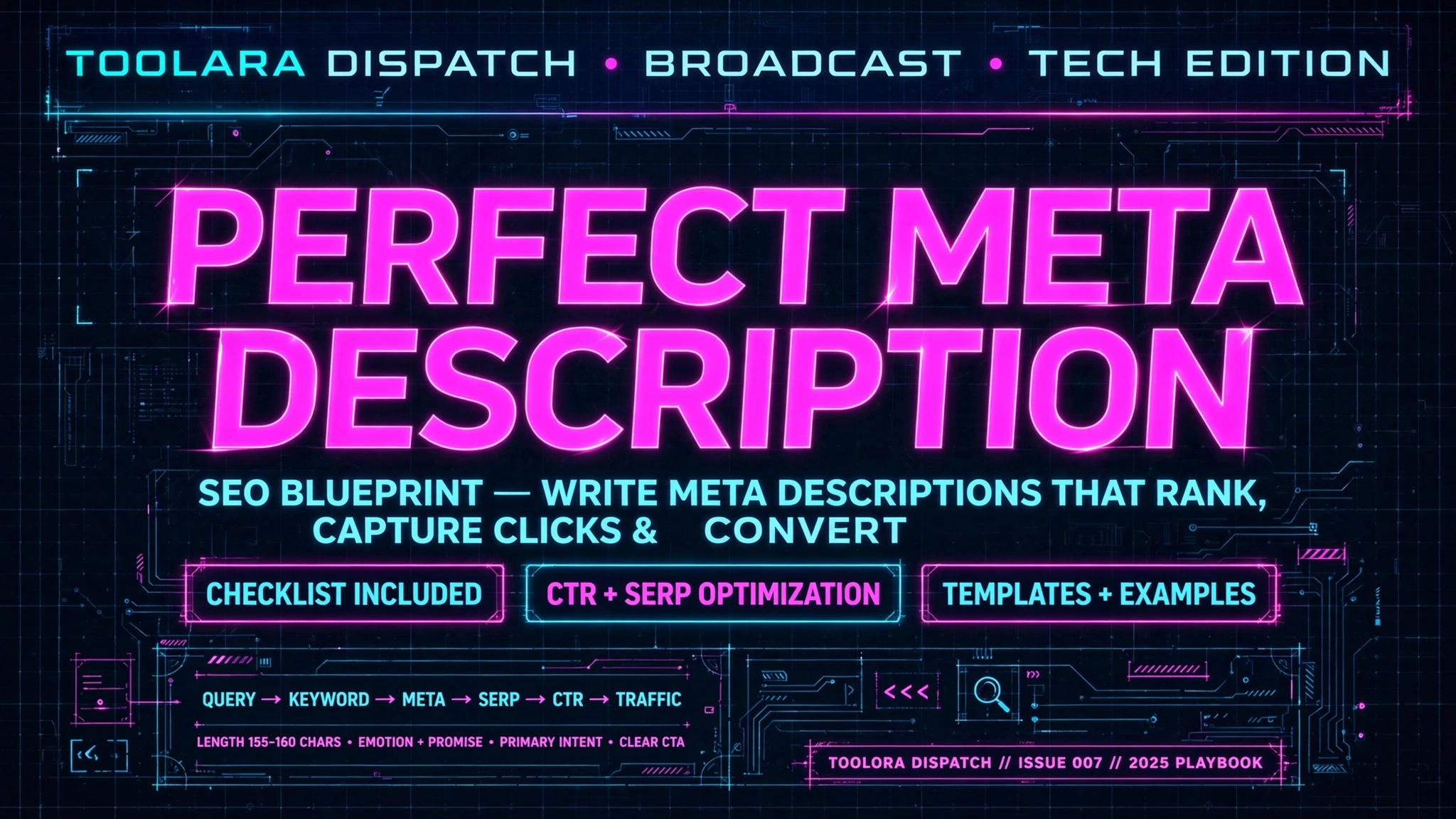
Meta descriptions are one of the most underrated tools in SEO. While they don't directly impact rankings, well-crafted descriptions can meaningfully increase your click-through rate (CTR), drive more organic traffic, and help your content stand out on crowded search engine results pages.
A good meta description is a concise HTML summary (typically 150–160 characters) that accurately describes a webpage's content and compels users to click. It should include your primary keyword, a clear value proposition, and a subtle call to action. Well-written meta descriptions can improve your click-through rate (CTR) in Google search results.
In this guide, you'll see real good meta description examples, learn proven best practices, and discover how to write one in minutes using a free tool. Whether you're optimizing a blog post, product page, or homepage, the principles below will help you write descriptions that get clicks.
What Is a Good Meta Description? Definition and Why It Matters for SEO
A meta description is an HTML attribute (<meta name="description" content="...">) that provides a brief summary of a webpage. Search engines like Google often display this snippet beneath your page title in search results, giving users a preview of what they'll find if they click.
While Google has officially confirmed that meta descriptions are not a direct ranking factor, they play a critical indirect role in SEO:
- They influence CTR. A compelling description can meaningfully increase the number of clicks your page receives.
- They reinforce relevance. Including the search query helps users feel confident your page matches their intent.
- They shape brand perception. A polished, professional description builds trust before users even visit your site.
- They affect dwell time. When the description accurately matches the page content, visitors stay longer, sending positive engagement signals to Google.
Think of your meta description as a free ad in Google's search results. It's the headline beneath your headline—and it's often the deciding factor between a click on your result and a click on a competitor's.
Good Meta Description Examples (and Why They Work)
Let's look at five illustrative good meta description examples across different industries. Each one demonstrates a different best practice you can adapt.
Example 1: E-commerce Product Page
"Shop our top-rated running shoes with free shipping over $50. Lightweight, breathable designs trusted by 100,000+ runners. Find your perfect fit today."
Why it works: Combines a clear value proposition (free shipping), social proof (100,000+ runners), and a direct call to action ("Find your perfect fit"). Stays at approximately 155 characters.
Example 2: SaaS Landing Page
"Build automated email campaigns in minutes—no coding required. Try our free plan and send your first 1,000 emails today. Cancel anytime."
Why it works: Addresses pain points ("no coding required"), removes risk ("free plan", "cancel anytime"), and uses urgency.
Example 3: Blog Post
"Learn how to write a meta description that boosts CTR with 7 proven templates, real examples, and a free generator. Updated for 2025."
Why it works: Specifies what readers will learn, includes numbers (which can increase clicks), and signals freshness with "Updated for 2025".
Example 4: Local Business
"Family-owned Italian restaurant in downtown Chicago. Authentic wood-fired pizza, fresh pasta, and craft cocktails. Reserve your table online."
Why it works: Includes location keywords, signals authenticity, and ends with a clear next step.
Example 5: Informational Article
"Discover what causes morning headaches, when to see a doctor, and 5 simple remedies that may help. Always consult a qualified healthcare professional for personal medical advice."
Why it works: Promises specific value (5 remedies), addresses concerns ("when to see a doctor"), and includes a responsible health disclaimer.
Comparison Table: Weak vs. Strong Meta Descriptions
| Element | Weak Example | Strong Example |
|---|---|---|
| Length | "Welcome to our site." (21 chars) | 150–160 characters with full message |
| Keyword | Missing or buried | Primary keyword near the start |
| Value Prop | Vague ("great service") | Specific ("free shipping over $50") |
| CTA | None | "Shop now", "Try free", "Learn more" |
| Tone | Generic, robotic | Conversational, benefit-driven |
| Uniqueness | Duplicated across pages | Custom for each URL |
Meta Description Best Practices: Rules Every SEO Should Follow
Now that you've seen what good descriptions look like, here are the meta description best practices every page should follow:
Stay within the meta description character limit. Aim for 150–160 characters. Google truncates anything longer with an ellipsis (…), cutting off your message mid-sentence.
Front-load your primary keyword. Google bolds matching search terms in the snippet, so place your most important keyword in the first 100 characters.
Write in active voice. "Boost your CTR" is stronger than "Your CTR can be boosted."
Include a call to action. Words like learn, discover, try, shop, get, download, and start can drive higher clicks.
Match search intent. If users are searching for "how to," your description should signal step-by-step guidance, not a product pitch.
Make every description unique. Duplicate meta descriptions confuse Google and dilute relevance. Each page should have its own custom description.
Avoid keyword stuffing. One or two natural mentions of the keyword is plenty. Stuffing looks spammy and hurts CTR.
Use double quotation marks with caution. Google may truncate the snippet at double quote characters, so avoid them within the description text.
Include numbers and specifics. "7 templates" outperforms "many templates" because it sets concrete expectations.
Test and iterate. Use Google Search Console to track which pages have low CTR, then rewrite their descriptions and measure the lift.
How to Write a Meta Description Step by Step
Here's a repeatable framework you can use for any page:
Step 1: Identify the page's primary keyword
What is the main search query you want this page to rank for? This becomes the anchor for your description.
Step 2: Define the user's intent
Are they trying to learn, buy, compare, or solve a problem? Your description must mirror that intent.
Step 3: Highlight one clear benefit
Pick the single most compelling reason someone should click. Don't try to cram in three benefits—pick the strongest one.
Step 4: Add proof or specificity
Numbers, social proof, or unique features make your description more credible:
- "Trusted by 50,000 marketers"
- "Updated weekly"
- "Free—no credit card required"
Step 5: End with a call to action
Tell users exactly what they'll get by clicking. Examples: Start free, Read the full guide, Compare top 10, See examples.
Step 6: Check the length
Use a character counter to ensure you're between 150–160 characters. Anything longer gets truncated; anything shorter wastes valuable real estate.
Step 7: Generate variations automatically
Writing meta descriptions for dozens of pages manually is exhausting. That's why we built a free meta description generator at Toolora's Meta Description Generator. Just paste your page content, and it produces SEO-optimized descriptions in seconds—no signup required.
Once you've written your description, double-check your page's title tag with the Meta Title Checker to make sure your title and description work together.
Common Mistakes to Avoid
Even experienced marketers fall into these traps:
- Letting Google auto-generate descriptions. When you skip writing one, Google pulls a random sentence from your page—often poorly chosen.
- Writing for search engines, not humans. Stuffing keywords kills CTR. Write like you're talking to a real person.
- Forgetting mobile users. On mobile, Google may display only around 120 characters. Front-load the most important info.
- Ignoring brand voice. Your meta description is part of your brand. A playful brand should sound playful; a B2B SaaS company should sound credible.
- Using clickbait. If your description overpromises, users bounce, and Google notices. Always deliver on what your description promises.
Frequently Asked Questions
How long should a meta description be?
The commonly recommended meta description length is 150–160 characters. Google often truncates anything longer with an ellipsis. On mobile devices, the visible limit can drop to around 120 characters, so place your most important message and keyword in the first 100 characters. If your description is too short (under 70 characters), you're likely leaving space unused that could otherwise improve your click-through rate.
Do meta descriptions directly affect Google rankings?
No, meta descriptions are not a direct Google ranking factor. Google has stated this publicly on multiple occasions. However, they have a significant indirect impact: a compelling description can increase your CTR, which signals relevance to Google's algorithm. Pages with higher CTR may see improved rankings over time. Additionally, a well-matched description can reduce bounce rate by setting accurate expectations, further reinforcing positive engagement signals.
What happens if I don't write a meta description?
If you leave the meta description blank, Google automatically generates one by pulling text from your page—usually the first paragraph, a relevant sentence near the search query, or content from your header. The problem? Auto-generated snippets are often awkward, incomplete, or fail to include a compelling reason to click. You lose control over your "free ad" in search results. Always write custom descriptions for at least your most important pages.
Can I use the same meta description on multiple pages?
No—duplicate meta descriptions are an SEO mistake. Each page on your site should have a unique description that reflects its specific content and target keyword. Duplicate descriptions confuse Google, dilute your relevance signals, and waste an opportunity to attract different audiences. Google Search Console flags duplicate meta descriptions under its coverage and enhancements reports. If you manage a large site, use a meta description generator to scale unique descriptions efficiently.
What's the difference between a meta description and a meta title?
Your meta title (or title tag) is the clickable headline that appears in search results—typically 50–60 characters. The meta description is the snippet that appears below the title, summarizing the page in 150–160 characters. The title tag is a confirmed ranking factor; the description is not. Together, they work as a team: the title hooks the user, and the description seals the click.
Start Writing Better Meta Descriptions Today
Great meta descriptions don't happen by accident—they're crafted with intent, tested, and refined. By following the examples and best practices above, you can improve your CTR and turn more impressions into traffic.
Ready to skip the guesswork? Use the free Toolora Meta Description Generator to create SEO-optimized descriptions in seconds. Just paste your content, choose your tone, and get multiple variations tailored to your keyword. No signup, no credit card required. Whether you're optimizing one page or hundreds, Toolora makes it straightforward to write meta descriptions that get clicks.