Website Speed Test Free — Measure & Fix Slow Pages
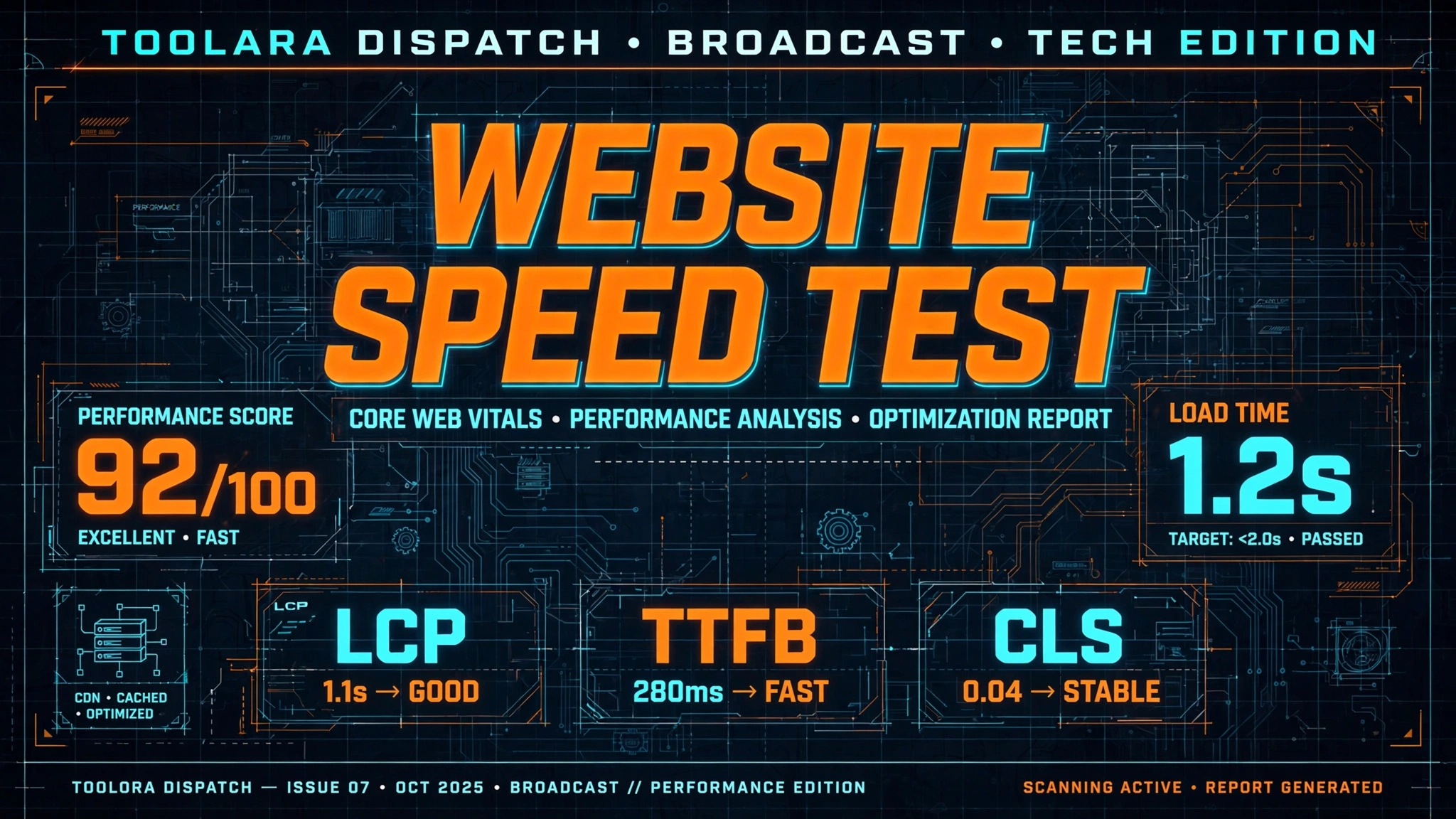
A website speed test free tool measures how fast your web pages load by analyzing factors like server response time, file sizes, and render-blocking resources. You can use free online tools to get a performance score and actionable recommendations to fix slow loading issues. Improving your site speed boosts user experience, reduces bounce rates, and directly impacts your Google search rankings.
In today's competitive digital landscape, every millisecond counts. Studies show that a one-second delay in page load can reduce conversions by up to 7%, while pages that take longer than 3 seconds to load see bounce rates spike by 32%. Whether you're running an e-commerce store, a blog, or a corporate website, testing your site's performance is no longer optional — it's essential.
Website Speed Test Free: What It Measures and Why It Matters for SEO
A free website speed checker online doesn't just tell you a single number — it evaluates your site across dozens of performance indicators. Understanding what these tools measure helps you make informed decisions about optimization priorities.
Here's what a comprehensive page speed test tool free analyzes:
- Server response time (TTFB) — how quickly your server begins delivering content
- Total page size — the combined weight of all HTML, CSS, JavaScript, images, and fonts
- HTTP request count — how many separate resources your browser must fetch
- Render-blocking resources — files that delay visible content from appearing
- Image optimization status — whether images are properly compressed and sized
- Caching configuration — how effectively repeat visitors reuse cached files
- Compression settings — whether Gzip or Brotli compression is enabled
Google officially uses page speed as a ranking factor for both desktop and mobile searches. Since the introduction of Core Web Vitals in 2021, sites that fail speed benchmarks routinely lose positions to faster competitors. This means running a website performance test online is directly tied to your organic traffic potential.
Beyond SEO, faster sites drive measurable business results:
- Higher conversion rates — Walmart found every 1-second improvement increased conversions by 2%
- Lower bounce rates — visitors are far more likely to explore additional pages
- Better mobile engagement — mobile users abandon slow sites at higher rates than desktop
- Reduced hosting costs — optimized sites use less bandwidth per visitor
- Improved accessibility — users on slow connections can still access your content
Key Metrics Every Free Website Speed Checker Reports (And What They Mean)
When you check website speed score, you'll see several key metrics. Understanding each one helps you translate raw numbers into concrete action items.
| Metric | What It Measures | Good Target | Poor Threshold |
|---|---|---|---|
| LCP (Largest Contentful Paint) | Main content load time | Under 2.5s | Over 4.0s |
| FID (First Input Delay) | Response to first interaction | Under 100ms | Over 300ms |
| CLS (Cumulative Layout Shift) | Visual stability during load | Under 0.1 | Over 0.25 |
| FCP (First Contentful Paint) | First visual element appears | Under 1.8s | Over 3.0s |
| TTFB (Time to First Byte) | Server response speed | Under 600ms | Over 1.5s |
| TBT (Total Blocking Time) | JavaScript execution delay | Under 200ms | Over 600ms |
Largest Contentful Paint (LCP) is arguably the most important metric because it represents when users perceive your page as "loaded." A slow LCP typically points to unoptimized hero images, slow server responses, or blocking CSS.
Cumulative Layout Shift (CLS) measures how much elements move around during loading. Users find layout shifts frustrating — nothing is worse than clicking a button that suddenly moves out of the way because an ad loaded above it.
Time to First Byte (TTFB) reveals whether your hosting provider is the bottleneck. If TTFB is consistently high, no amount of front-end optimization will fully solve your speed issues — you'll need better hosting or a CDN.
How to Run a Free Website Speed Test and Interpret Your Results
Learning how to test website loading speed properly requires more than just running a single test and calling it done. Follow this systematic approach for accurate insights.
Step-by-step testing process:
- Choose the right tool — start with the Toolora Website Speed Test for a comprehensive free analysis
- Test from multiple locations — your site may be fast in one region and slow in another
- Run tests at different times — server load varies throughout the day
- Test both desktop and mobile — mobile performance is often significantly worse
- Clear cache between tests — cached results don't reflect first-time visitor experience
- Test multiple pages — your homepage may not represent typical page performance
- Document baseline scores — you need reference points to measure improvements
When interpreting results, prioritize issues by impact, not by count. A single 3MB unoptimized image often affects speed more than dozens of minor warnings. Focus on:
- Red-flagged Core Web Vitals first — these directly impact SEO
- Largest resources by file size — biggest bang for optimization effort
- Render-blocking issues — these delay visible content
- Third-party scripts — analytics, ads, and social widgets are frequent culprits
Don't chase a perfect 100 score. A score of 85-95 is excellent for real-world sites with dynamic content, images, and tracking. Perfect scores often require sacrificing functionality your users actually need. Pair your speed testing with related audits using the SEO checker and meta tag analyzer for a complete performance picture.
Top Fixes for Slow Website Loading Time: Best Practices to Boost Performance
Once you identify problems, the next step is to fix slow website loading time systematically. Here are the highest-impact optimizations ranked by typical results.
1. Optimize and compress images
Images typically account for 50-60% of total page weight. Quick wins include:
- Convert images to modern formats (WebP or AVIF)
- Compress without visible quality loss using tools like the image compressor
- Serve appropriately sized images for each device
- Implement lazy loading for below-the-fold images
- Use responsive image markup (srcset)
2. Minify HTML, CSS, and JavaScript
Removing unnecessary whitespace, comments, and unused code shrinks file sizes by 20-40%. Try the HTML minifier, CSS minifier, and JavaScript minifier for instant results.
3. Enable browser caching
Configure cache headers so returning visitors don't re-download unchanged files. Set:
- 1 year cache for images, fonts, and versioned assets
- 1 month cache for CSS and JavaScript
- No cache for HTML documents that change frequently
4. Use a Content Delivery Network (CDN)
A CDN serves your files from servers geographically close to each visitor, dramatically reducing latency. Popular free-tier options include Cloudflare and Bunny CDN.
5. Reduce third-party scripts
Every tracking pixel, social widget, and chat plugin adds load time. Audit which ones actually deliver value and remove the rest. For essential scripts, load them asynchronously with async or defer attributes.
6. Optimize your hosting
If TTFB is high, no amount of front-end work will fix it. Consider:
- Upgrading from shared hosting to VPS or managed hosting
- Choosing a provider with data centers near your audience
- Enabling HTTP/2 or HTTP/3 protocols
- Implementing server-side caching (Redis, Memcached, or Varnish)
7. Eliminate render-blocking resources
Move non-critical CSS to load asynchronously and defer JavaScript that isn't needed for initial rendering. Inline critical CSS for above-the-fold content directly in the HTML.
Frequently Asked Questions
What is a good website loading speed score?
A good website loading speed score falls between 85 and 100 on tools using the 0-100 scale (like PageSpeed Insights or Toolora's speed test). In terms of actual load time, aim for under 2.5 seconds for LCP and total load completion under 3 seconds. Google considers anything over 4 seconds as poor performance. However, real-world benchmarks vary by industry — e-commerce sites typically load in 3-4 seconds on average, while news sites often exceed 5 seconds due to ad networks. Focus on beating your competitors' speed rather than achieving a perfect abstract score.
How often should I run a website speed test?
Run a comprehensive speed test at least once a month for stable sites, and weekly if you're actively making changes or running a high-traffic site. Additionally, always test after:
- Installing new plugins or themes
- Adding new features or third-party integrations
- Publishing major content updates
- Migrating hosts or changing infrastructure
- Launching marketing campaigns that drive traffic spikes
Set up automated monitoring with tools that alert you when performance drops below thresholds. Continuous monitoring catches regressions before they hurt your rankings or conversions.
Does website speed affect Google rankings?
Yes, website speed directly affects Google rankings. Google has confirmed page speed as a ranking factor since 2010 for desktop searches and 2018 for mobile searches. In 2021, Google introduced Core Web Vitals as explicit ranking signals, making LCP, FID (now INP), and CLS official parts of the algorithm. Sites that fail Core Web Vitals thresholds lose positions to faster competitors — especially in competitive niches. Beyond direct ranking impact, speed affects indirect ranking signals like bounce rate, time on site, and pages per session, all of which Google uses to evaluate content quality.
Can I fix slow website speed without a developer?
Absolutely — most speed issues can be resolved without coding skills. Modern CMS platforms like WordPress, Shopify, and Wix offer plugins and built-in features for the most impactful optimizations. Non-technical fixes you can implement today:
- Install a caching plugin (WP Rocket, W3 Total Cache, LiteSpeed Cache)
- Enable a CDN through Cloudflare's free tier
- Compress images using online tools before uploading
- Remove unused plugins and themes
- Choose a lightweight, speed-optimized theme
- Enable Gzip compression through your hosting control panel
For more advanced optimizations like custom code minification or server tuning, you may eventually need developer help — but you can often achieve 60-80% of possible improvements on your own.
Start Testing Your Website Speed Today
Slow websites cost you traffic, conversions, and revenue every single day you leave them unoptimized. The good news? You can identify exactly what's slowing your site down in less than 60 seconds — completely free.
Ready to see how fast your website really is? Use the Toolora Website Speed Test right now to get instant performance scores, detailed metrics analysis, and prioritized recommendations tailored to your site. No signup required, no credit card, no limits — just actionable insights that help you build a faster, better-ranking website. Test your site today and start turning those performance gains into more traffic and higher conversions!